Messaging
The Messaging add-on gives a workspace two outbound-plus-inbound channels beyond voice: transactional Email and WhatsApp. Inbound WhatsApp replies land in a unified Conversations inbox, and AI agents can send email or WhatsApp mid-call through dedicated tool webhooks.
It is plan-gated. Two plan features control it:
messaging_enabled— gates the whole/app/messaging/*area and the Conversations inbox.whatsapp_enabled— additionally required for the WhatsApp channel.
Routes are protected by plan.feature:messaging. See Billing & credits for assigning plan features. Monthly monthly_email_limit and monthly_whatsapp_limit plan columns cap send volume.
Email delivery uses the platform SMTP configured by the operator in Admin → Email System (/admin/email-system), where an admin adds SMTP configurations, activates one, and sends a test. If no SMTP configuration is active, email sends are logged as failed rather than delivered.
Customers manage reusable email templates in their workspace at /app/messaging/email-templates:
- Templates support
{{variable}}placeholders that are substituted at send time. - A live iframe preview renders the HTML with sample values.
- Test send delivers the rendered template to an address you choose.
- Templates can be duplicated and deleted.
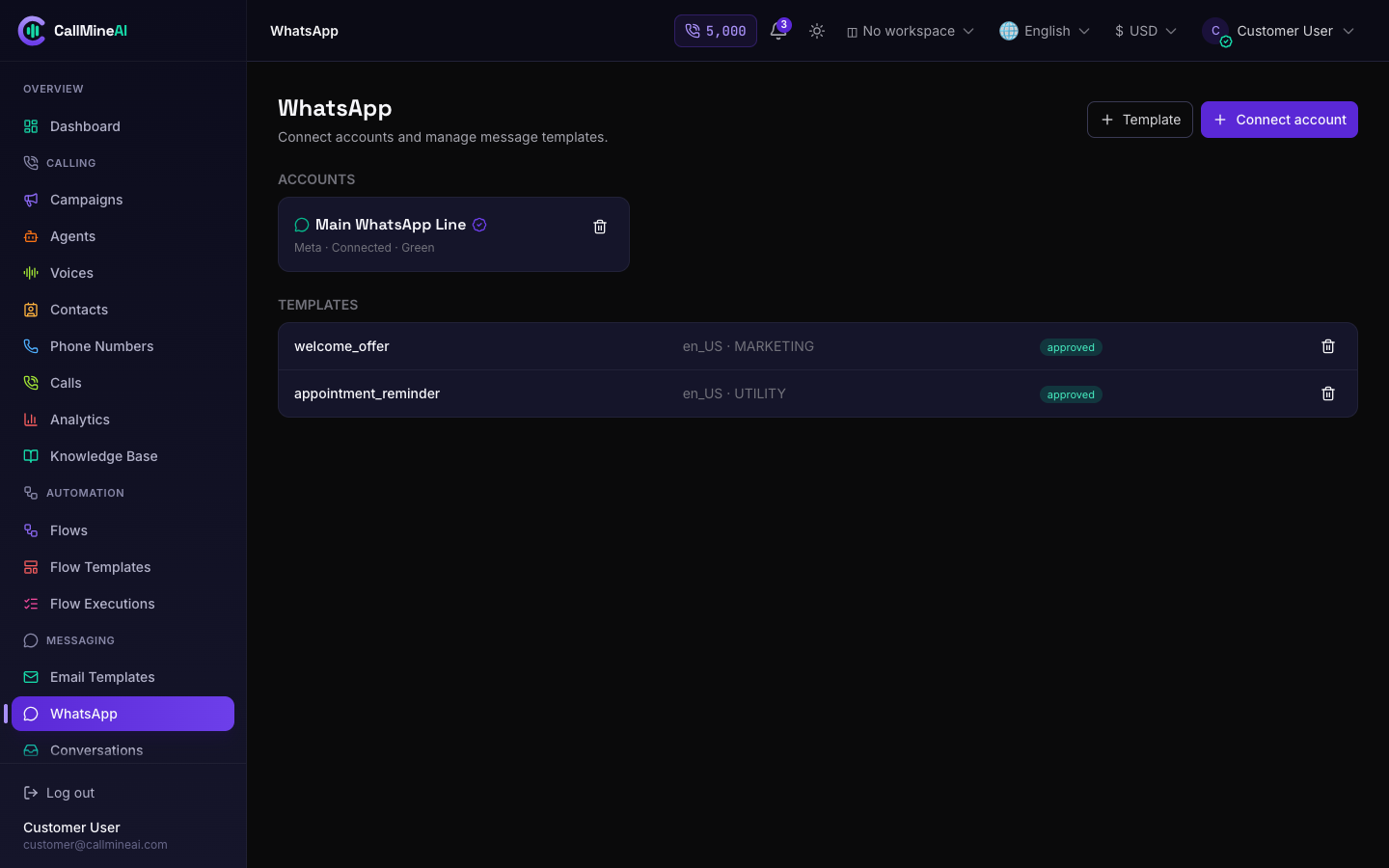
Connecting a WhatsApp Business number in the customer workspace.
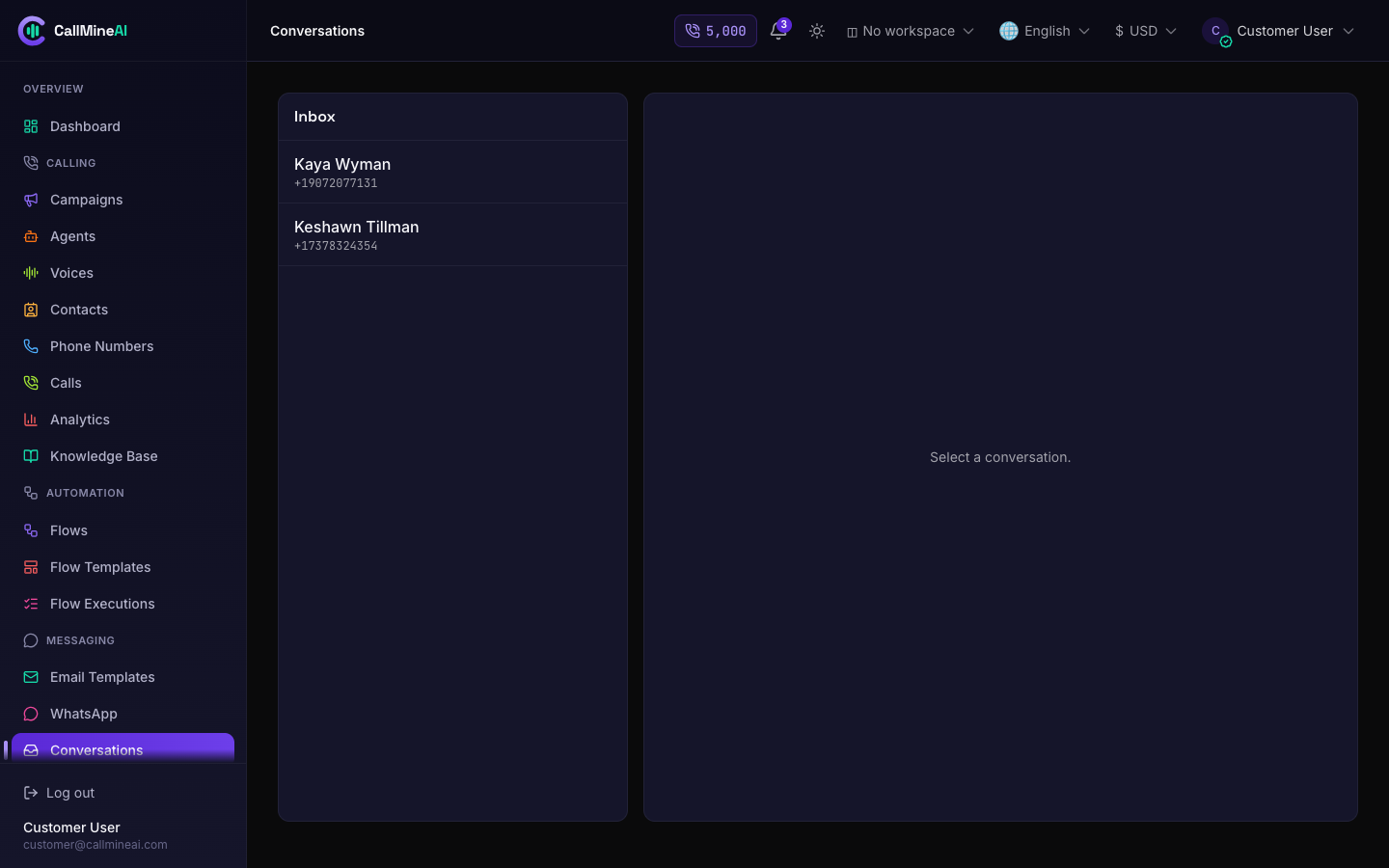
Inbound replies land in the unified Conversations inbox.
WhatsApp runs through one or two providers. The operator sets the active provider mode in Admin → Messaging (/admin/messaging):
| Mode | Meaning |
|---|---|
meta | Meta Cloud API only |
whatsway | WhatsWay only |
both | Either provider (chosen per account) |
disabled | WhatsApp off |
Provider credentials come from the environment:
# WhatsApp provider selection (bootstrap default; live mode lives in Admin → Messaging)
WHATSAPP_PROVIDER_MODE=disabled        # both | whatsway | meta | disabled

# Meta Cloud API
META_APP_ID=
META_APP_SECRET=
META_CONFIG_ID=
META_VERIFY_TOKEN=callmineai
META_GRAPH_VERSION=v21.0

# WhatsWay
WHATSWAY_BASE_URL=
WHATSWAY_API_KEY=
Provider precedence
WHATSAPP_PROVIDER_MODE in the environment is only a bootstrap default. The live mode is stored in the admin messaging settings and overrides it. META_APP_SECRET is encrypted at rest.
WhatsApp accounts & templates
In the customer panel at /app/messaging/whatsapp, a workspace registers its own WhatsApp accounts (phone numbers / business accounts) and defines message templates for that channel. Accounts and templates can each be added and removed from this screen.
Conversations inbox
The Conversations inbox at /app/conversations is a unified chat view of inbound and outbound WhatsApp messages, grouped into conversations keyed by the customer phone number.
24-hour messaging window
Each conversation tracks a window_expires_at timestamp. WhatsApp only allows free-form replies within 24 hours of the contact's last inbound message; outside that window you must use an approved template.
Webhooks
Inbound WhatsApp and the AI agent tools are wired through CSRF-exempt webhook routes.
| Method | Path | Purpose | Auth |
|---|---|---|---|
| GET | /webhooks/whatsapp/meta | Meta verification challenge | hub.challenge echo |
| POST | /webhooks/whatsapp/meta | Receive inbound messages & statuses | Meta payload |
| POST | /webhooks/agent/send-email | Agent tool: send an email | X-Agent-Token |
| POST | /webhooks/agent/send-whatsapp | Agent tool: send a WhatsApp message | X-Agent-Token |
Inbound Meta payloads create or update the matching contact, conversation, and message; delivery statuses are matched back by provider message id. The agent tool endpoints require a valid X-Agent-Token header (an HMAC derived from the app key) and return 401 otherwise.